
CRM configuration can become complicated as a business grows. Creating user profiles, setting up roles, managing data-sharing rules, defining approval processes, and organizing customer segments often requires administrators to work through multiple settings and configuration screens.
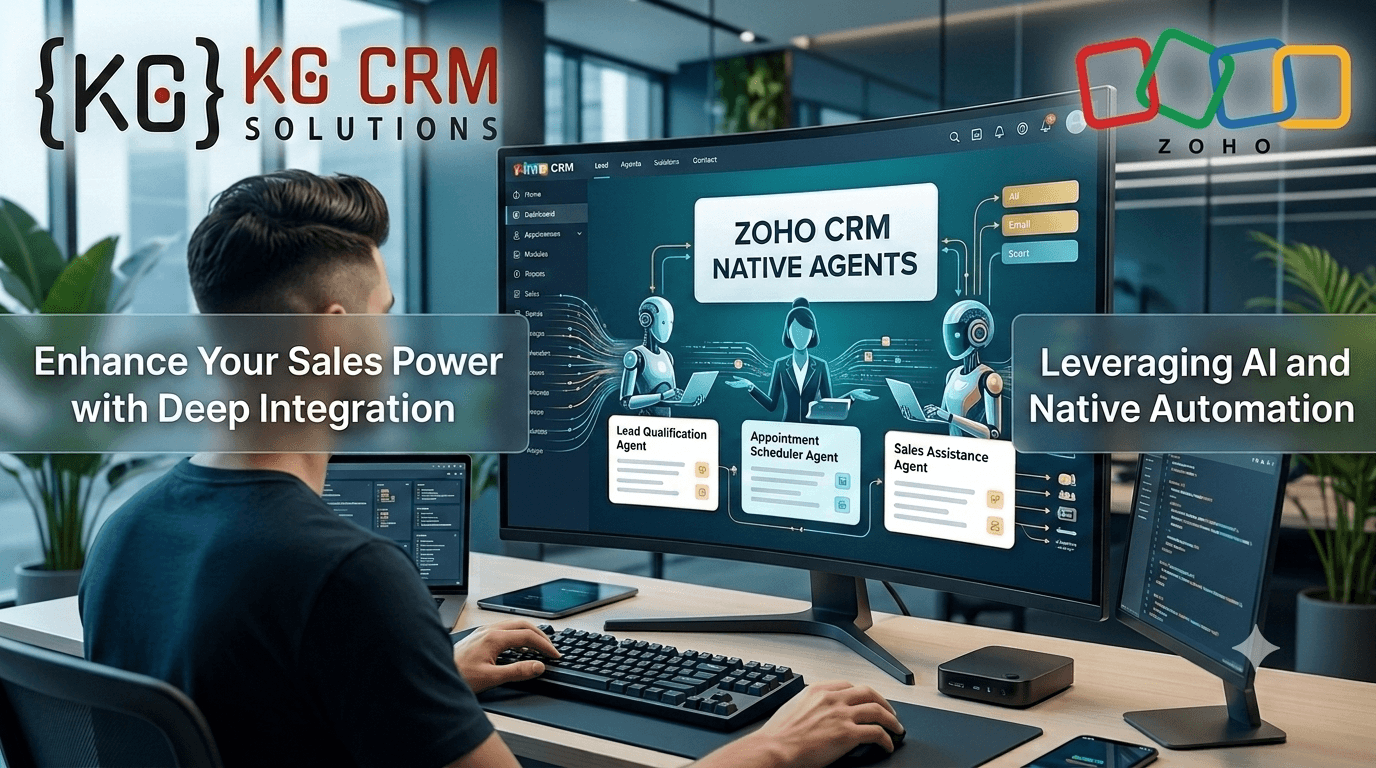
Zoho is changing this experience with Zoho CRM Native Agents, which allow users to describe certain CRM configuration requirements using natural language. Instead of manually navigating through different screens, users can explain what they need and let the native agent help create, update, view, or delete supported configurations.
For businesses already using Zoho CRM, this can make everyday CRM administration more conversational and easier to manage.
What Are Zoho CRM Native Agents?
Zoho CRM Native Agents are AI-powered customization agents built directly into Zoho CRM. They are designed to help administrators configure specific areas of the CRM through conversational instructions.
For example, instead of manually creating several roles and connecting them to the correct reporting hierarchy, an administrator can describe the required structure in natural language. The agent can understand the requirement and create the supported configuration.
Zoho currently provides native customization agents for five areas:
- Profiles
- Roles
- Data Sharing
- Review Process
- Segmentation
Each agent focuses on its specific configuration area and can ask follow-up questions when additional information is required.
How Do Zoho CRM Native Agents Work?
The concept is simple: describe what you want instead of manually configuring every setting.
The native agents are available through a “Customize with Agent” option in the relevant CRM settings areas.
A user can open the agent and explain the requirement in normal language. The agent then works within its supported capabilities and the user’s existing CRM permissions.
For example, a CRM administrator might need to create different sales roles for multiple regions. Instead of configuring each role individually, the administrator can describe the required hierarchy and let the agent handle the supported configuration.
This conversational approach can reduce the amount of manual navigation involved in certain CRM administration tasks.
What Can Zoho CRM Native Agents Configure?
1. Profiles
The Profiles agent helps configure permissions for CRM users.
It can work with permissions related to modules, fields, setup actions, and other supported CRM features.
This can be useful when different teams require different levels of access to CRM information.
2. Roles
The Roles agent can help create roles and role hierarchies.
For example, a company may have:
Sales Representative → Sales Manager → Regional Manager → Sales Director
Instead of setting up each role and relationship manually, administrators can describe the required structure to the agent.
3. Data Sharing
Businesses often need to control which users, teams, or roles can access specific CRM data.
The Data Sharing agent helps configure supported sharing rules based on the access requirements provided by the administrator.
This can be particularly useful for organizations with multiple teams, departments, or regions.
4. Review Process
The Review Process agent can help define review criteria, reviewers, and review actions.
For businesses that require approval before certain records are processed or used, this can simplify the initial configuration of supported review processes.
5. Segmentation
The Segmentation agent helps create and manage RFM-based customer segmentation.
Businesses can use customer segmentation to organize customers into groups based on factors such as recency, frequency, and monetary value.
This can make it easier to structure customer groups for sales and marketing activities.
Why Natural Language Matters for CRM Configuration
Traditional CRM configuration usually requires an administrator to understand where particular settings are located and how different CRM options connect with each other.
Natural-language interaction changes the starting point.
Instead of thinking:
“Where do I find this CRM setting?”
the administrator can think:
“What do I want my CRM to do?”
For example:
Requirement:
“Create separate sales roles for North, South, East, and West regions, with each regional manager reporting to the sales director.”
The administrator can provide the requirement conversationally rather than manually creating every supported role and hierarchy relationship.
This does not eliminate the need for CRM knowledge. Instead, it provides another way to interact with the configuration process.
Zoho CRM Native Agents vs Traditional CRM Configuration
| Traditional Configuration | Zoho CRM Native Agents |
| Navigate through CRM settings | Describe requirements conversationally |
| Configure supported settings manually | AI assists with supported configuration |
| Administrator needs to locate settings | Agent provides a conversational interface |
| Multiple steps may be required | Some configurations can be handled through a prompt |
| Requires familiarity with CRM menus | Natural-language instructions can simplify interaction |
The native agents are not intended to replace every CRM administration task. Their current capabilities focus on specific areas such as profiles, roles, data sharing, review processes, and segmentation.
Does This Mean CRM Administrators Are No Longer Needed?
No.
AI-assisted configuration can make some tasks faster, but businesses still need people who understand their sales processes, access requirements, data structure, security policies, and business rules.
A CRM is not simply a collection of settings.
For example, creating a role is technically straightforward. Deciding which employees should have access to which information requires an understanding of the organization’s processes.
This is where proper CRM planning and implementation remain important.
What Businesses Should Consider Before Using Native Agents
Before using AI-assisted CRM configuration, businesses should clearly define:
- User roles and responsibilities
- Data access requirements
- Sales and customer-management processes
- Approval requirements
- Customer segmentation requirements
- CRM security policies
- Existing automation and customization
- Required integrations
A clear CRM structure makes it easier to use new AI capabilities effectively.
Zoho CRM Native Agents and CRM Customization
The introduction of native agents is another step toward making CRM configuration more conversational.
However, businesses often need much more than standard configuration.
They may need:
- Custom CRM modules
- Custom fields and layouts
- Advanced automation
- CRM integrations
- Data migration
- Custom functions
- Reports and dashboards
- Zoho Creator applications
- Business-specific workflows
These requirements can involve multiple Zoho products and more detailed business-process planning.
For such projects, working with an experienced Zoho CRM implementation and customization team can help businesses design the CRM around their actual processes rather than simply configuring individual features.
How KG CRM Solutions Can Help
KG CRM Solutions LLP focuses exclusively on Zoho solutions, helping businesses implement, customize, automate, and integrate their Zoho environment.
Our services include:
- Zoho CRM Implementation
- Zoho CRM Consulting
- Zoho CRM Customization & Development
- Zoho CRM Automation
- Zoho CRM Integration & Migration
- Zoho Creator Development
- Zoho Analytics
- Zoho One Implementation
If your business is exploring Zoho CRM Native Agents or wants to build a more customized Zoho CRM system, the right approach is to first understand your business processes and then decide which native capabilities, automation, customization, and integrations are required.
You can learn more about KG CRM Solutions at https://www.kgcrmsolutions.com/.
What Is Next for AI-Powered Zoho CRM?
Zoho is increasingly bringing AI into different parts of CRM, moving beyond AI-generated suggestions toward systems that can understand instructions and perform actions.
Zoho’s broader AI direction also includes Zia Agents, natural-language interaction, CRM automation, and connections between AI tools and live CRM data.
The introduction of native customization agents is therefore an important development for CRM administrators. It shows how natural-language interfaces can become part of everyday CRM management.
For businesses, the key is not simply adopting AI because it is available. The real value comes from identifying where AI-assisted configuration can simplify existing processes while maintaining appropriate permissions, governance, and human oversight.
Final Thoughts
Zoho CRM Native Agents introduce a new way to approach selected CRM configuration tasks. Instead of navigating every setting manually, administrators can describe supported requirements using natural language and let the native agent assist with the configuration.
Currently, the feature covers areas including profiles, roles, data sharing, review processes, and segmentation.
As Zoho continues expanding its AI capabilities, natural-language CRM configuration could become a more common part of how businesses manage and customize their CRM systems.
For businesses considering Zoho CRM implementation, the opportunity is not only to use new AI features but also to build a CRM environment where automation, customization, integrations, and AI work together around real business processes.
Read Related blogs: zoholics-india-2026

About the Author
Parveen Kumar | Founder @ KG CRM Solutions
Parveen Kumar is the founder of KG CRM Solutions, a Zoho Authorised Partner based in Mohali, Punjab. He has been building Zoho systems for businesses across India, the UK, Australia, Canada, and the US for over 8 years, specialising in Zoho CRM, Zoho Creator, Deluge scripting, custom integrations, and widget development.